
01
Scan naturally
Automatic document detection finds the page edges. Multi-page captures enter a queue instead of being merged into one record.
Private by design
Scan receipts before ink fades or paper is lost, then find the proof when guarantees or returns matter.
Coming to the App Store Public release in preparation
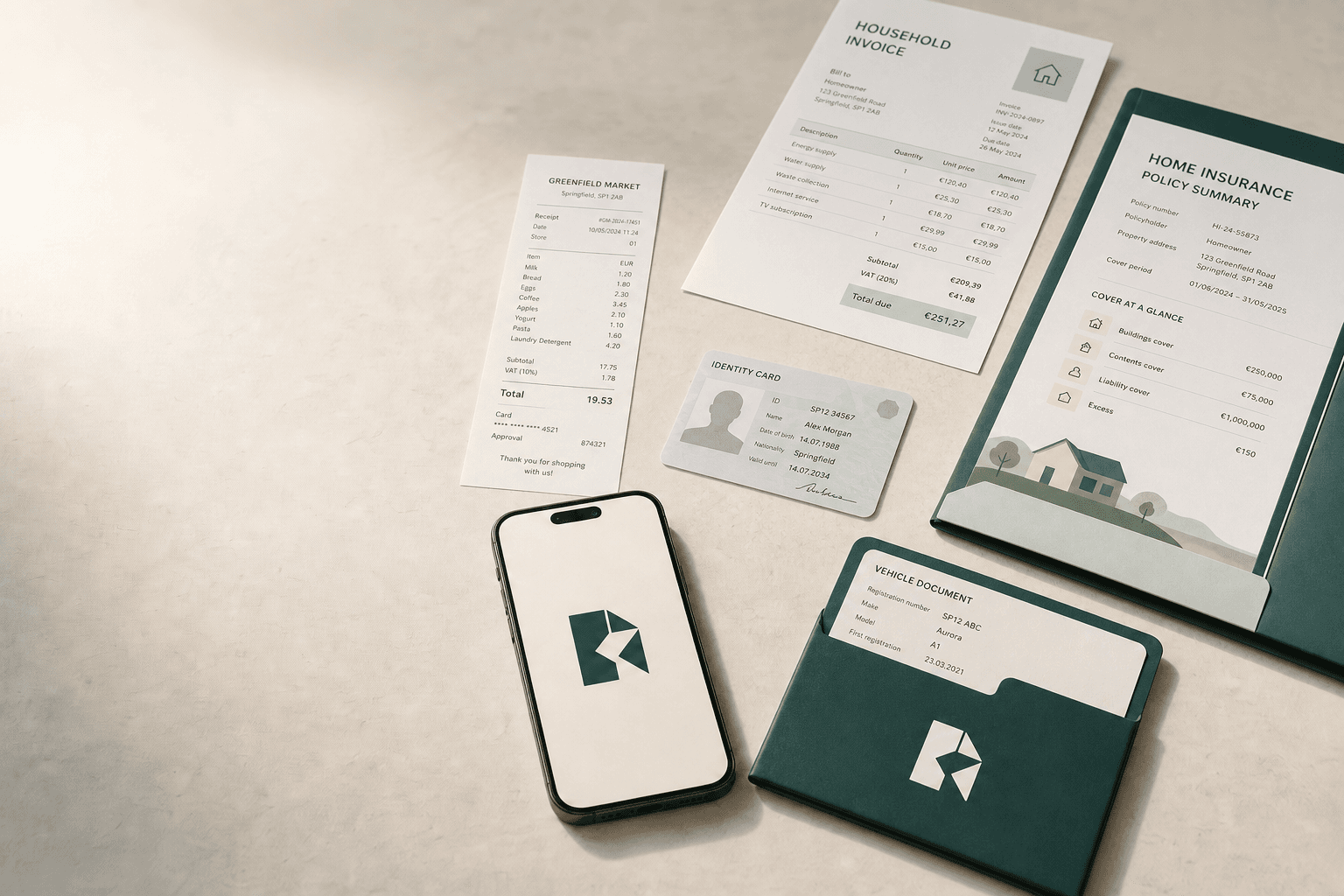
For the proof of purchase you may need months later.
For the passport date you meant to check.
For the warranty hidden in a drawer.
From paper to peace of mind
Kipa turns loose papers into clear, separate records you can find and remember when it matters.
Automatic document detection finds the page edges. Multi-page captures enter a queue instead of being merged into one record.
On-device OCR suggests dates, amounts, and titles. Nothing is final until you confirm it.
Choose the due date and ask Kipa to remind you on the day, one day before, or at a custom lead time.
Create folders that match your life. Rename any folder, choose its icon, or delete it safely without confusing folders with documents.
Made for ordinary life
Not another productivity system. Just a dependable place for the practical details that are easy to misplace.
Keep a readable copy of the proof of purchase, even if the original is lost or its ink fades.
Remember inspections, insurance renewals, and service documents.
See passport and permit dates before a trip becomes urgent.
Organise contracts, appliance papers, policies, and household records.
Follow your device automatically or use Kipa in English, French, Portuguese, Spanish, or German.
Keep important papers easy to find, with sensitive details held locally.
The product, clearly
Explore the core flow as it appears in Kipa. No cloud activity, social feed, or hidden complexity.
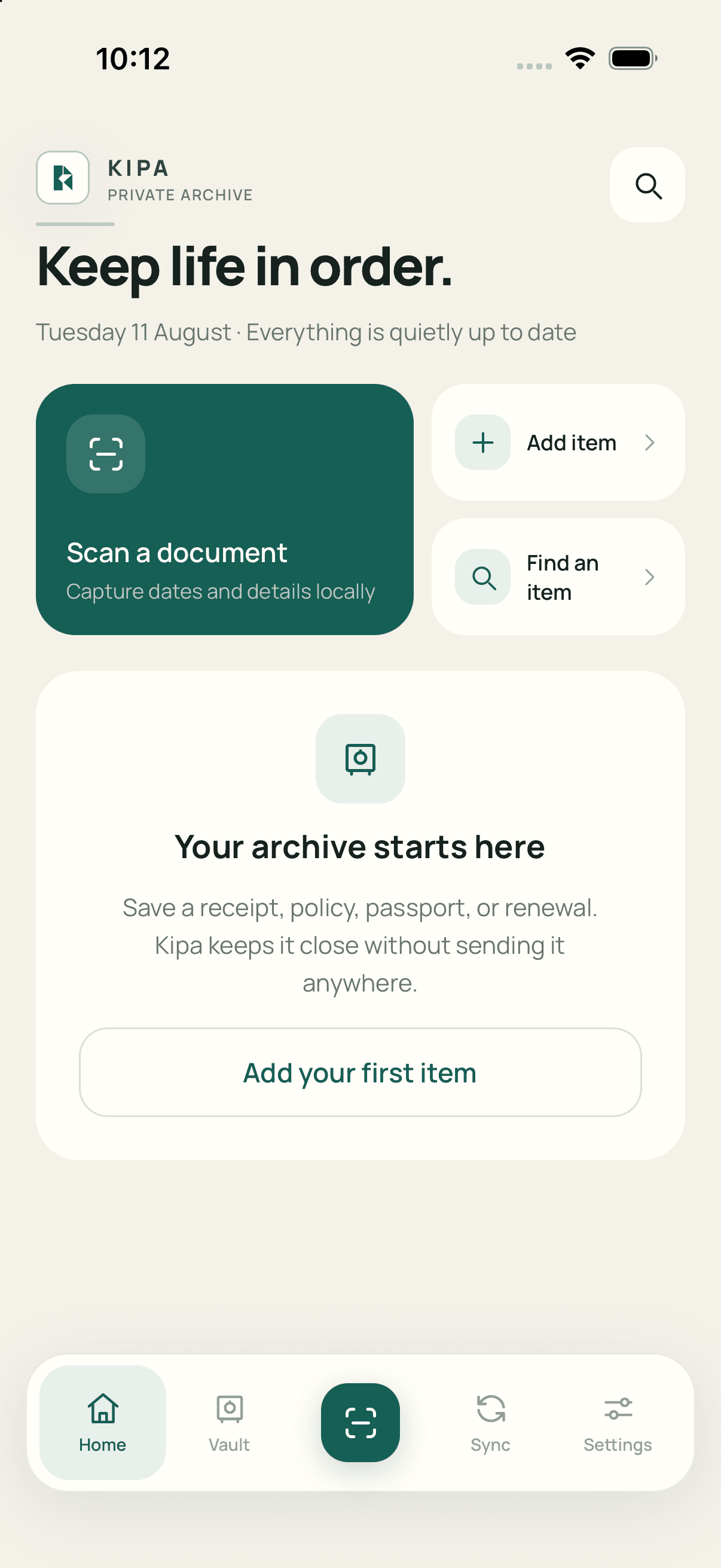
A closer look
The current Home screen puts important dates first, then keeps scanning, adding, and finding an item close at hand.
Captured from the current iOS simulator buildComing to the App Store
Kipa is preparing for its public App Store release. You can request TestFlight access while the public listing is being prepared.
Private by architecture
Kipa uses the phone you already trust as the home for your documents. There is no Kipa cloud vault and no account to create.
Read the privacy policyCapture and photo access are requested for scanning or attaching a document.
Apple Vision and Google ML Kit read text directly on the device.
The database and attachments are encrypted, with keys protected by the operating system.
Kipa receives only the unlock result, never your face or fingerprint data.
Talk to a human
Ask about Kipa, report a problem, request help with privacy, or share an accessibility suggestion.
Support requests are used only to reply to you.
Common questions
No. Kipa is designed to store the vault on your device. OCR runs locally using Apple Vision or Google ML Kit.
Yes. Kipa keeps an encrypted copy in its private app directory. You can intentionally export an original through the system share sheet.
Every scanned page is queued as a separate item so you can review, name, file, and remind each one independently.
No account is required. Kipa does not operate a cloud account for your vault.
Yes. Rename any folder, choose a new icon, add your own folders, or delete one safely. Kipa can follow your device language or use English, French, Portuguese, Spanish, or German.